
ZXBaremulator with Games (Perdigaos Arcade Selection)
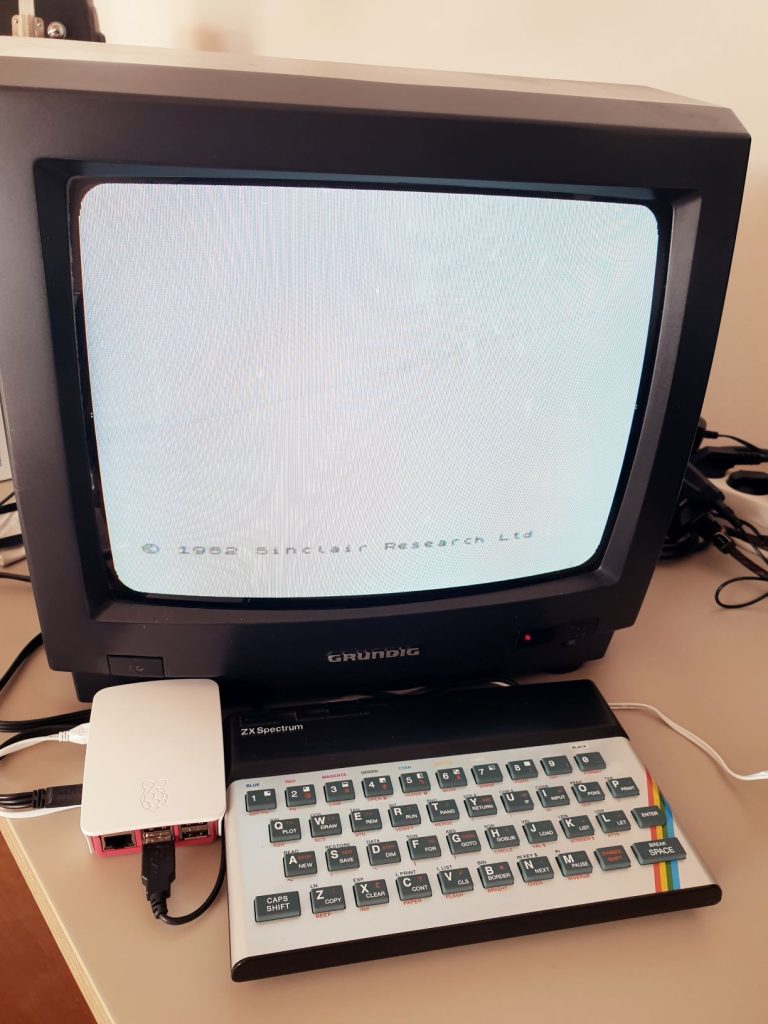
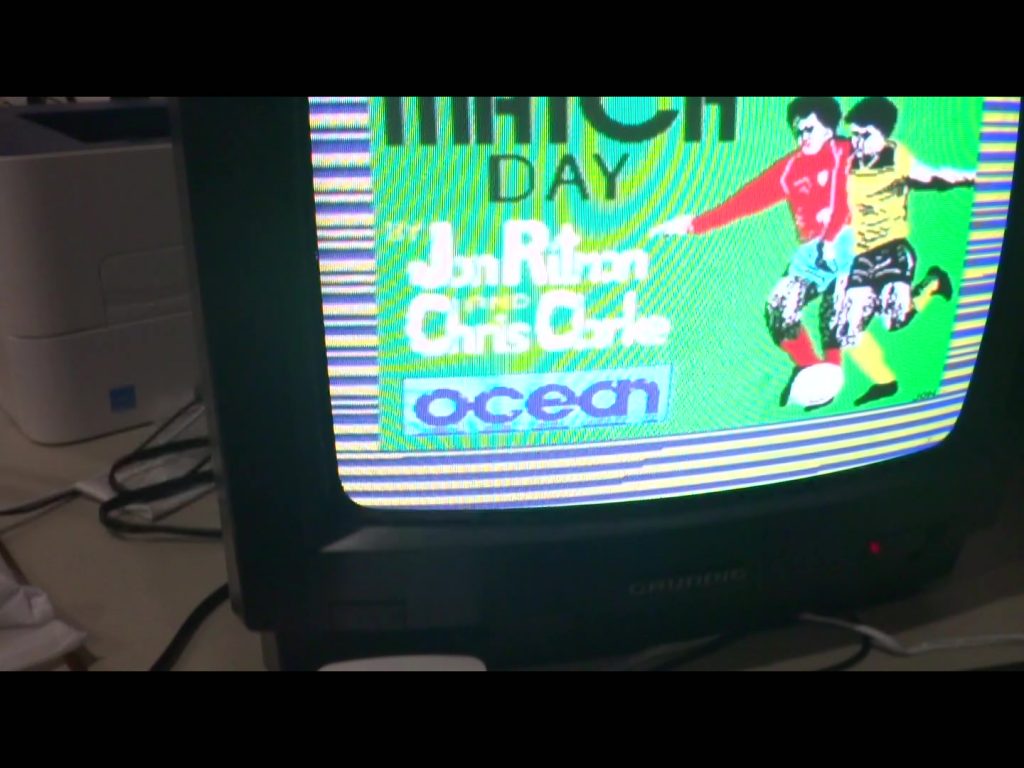
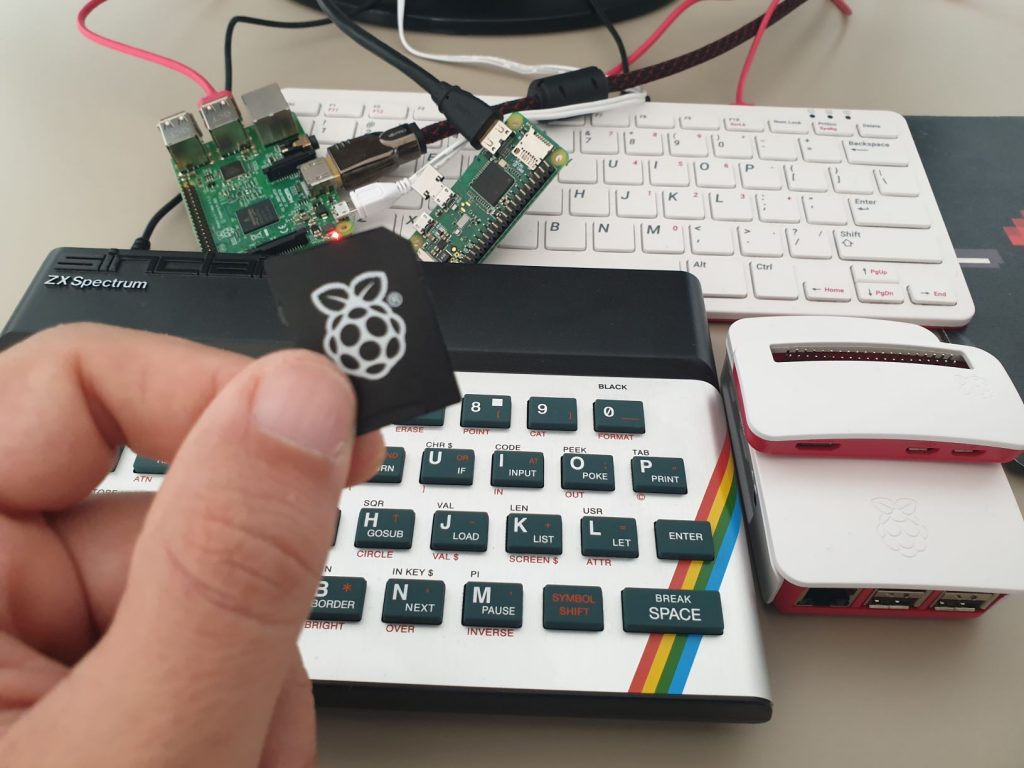
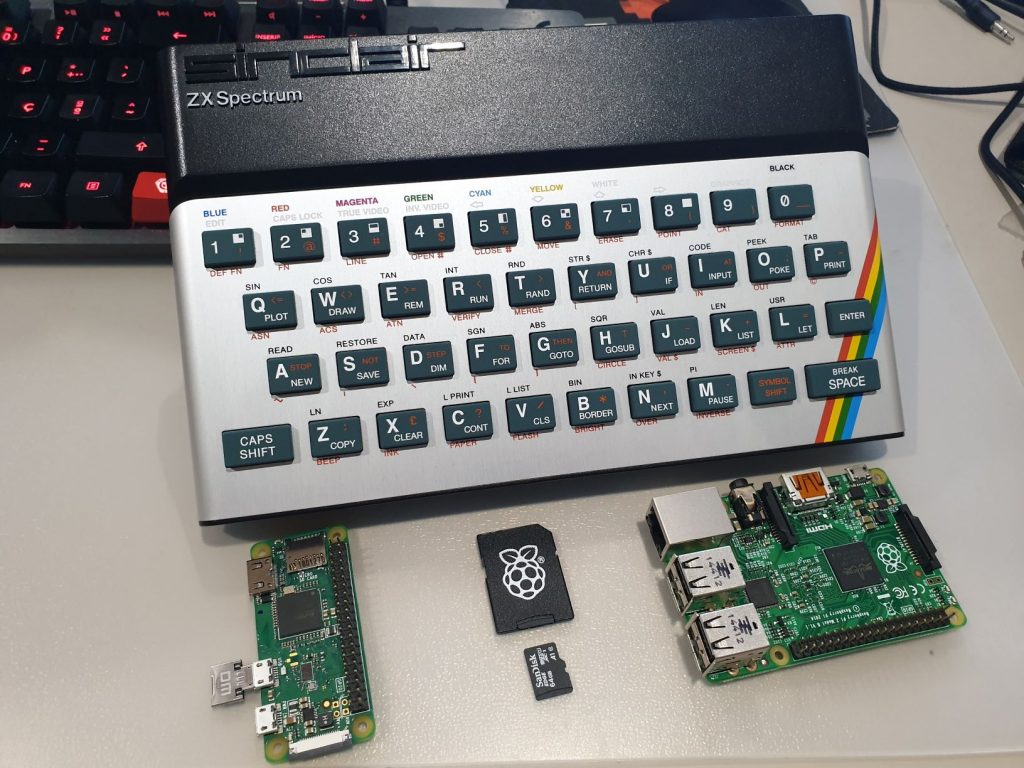
No Linux needed!. Super-fast loading from µSD.
Ready-to-flash ZXBaremulator Raspberry Pi image with Perdigao’s Arcade game selection. Easy setup, works on Pi Zero, Pi 2, and Pi 3.
The image uses a 1GB partition, leaving plenty of space to add more games later (just place them in the TAPS folder).
✅ Tested and working with:
- Raspberry Pi Zero W
- Raspberry Pi 2 Model B
- Raspberry Pi 3 Model B
⚠️ Also runs on:
- Raspberry Pi 1 and Zero (note: no HDMI sound output)
- Raspberry Pi 2
- Raspberry Pi 3
- ❌ Raspberry Pi 4 and 5 are currently not supported
💾 Installation Instructions:
- Unzip the downloaded file.
- Use balenaEtcher to flash the image to a microSD card (as shown in the guide: ZXBaremulator Easy Install).
- Insert the microSD into your Raspberry Pi, power it on, and start playing!
Includes the exact game selection shown in: ZXBaremulator SD Install – Step 3: Updating Files on the microSD.
🎮 All games were downloaded from World of Spectrum and are free to download and play.
- 48K only: Arkanoid, Barbarian, Bomb Jack, Bomb Jack 2, Bruce Lee, Cabal 48K, Cobra, Daley Thomson’s Decathlon, Dan Dare, Dan Dare 2, Dan Dare 3, Emilio Butragueno Futbol, Emlyn Hughes International Soccer, Flying Shark, Formula One, Jack the Nipper 2, Fred, Green Beret, Jet Set Willy, Kick Off, Kung-Fu Master, Match Day, Match Day 2, Midnight Resistance 48K, Ping Pong, Road Runner, Rolling Thunder, Saboteur!, Saboteur II 48K, Samurai Warrior, Spy Hunter, Tai-Pan 48K, Tetris 48K, The Great Escape, The Hobbit, The Lords of Midnight and West Bank.
- 48K+128K: Army Moves, Batman – The Movie, Bubble Bobble, Chaos, Chase HQ, Chuckie Egg, Chuckie Egg 2, Cybernoid, Daley Thompson’s Olympic Challenge, Elite, Escape From The Planet Of The Robot Monsters, Exolon, Golden Axe, Head Over Heels, Jet Set Willy 2, Manic Miner, Mask III, Ms. Pac-man, Myth – History In The Making, Operation Wolf, Out Run, Pac-Mania, Platoon, Rainbow Islands, Rambo III, Renegade, Target: Renegade, Rick Dangerous, Rick Dangerous 2, Robocop, Shinobi, Silk Worm, Sim City, Skool Daze, Space Harrier, Stormlord, The New Zealand Story and The Way of The Exploding Fist.
- 128K only: Amaurote, Cabal 128K, Carrier Command, Knight Tyme, La Abadia Del Crimen, Midnight Resistance 128K, Saboteur II 128K, Tai-Pan 128K, Where Time Stood Still and Tetris 128K
Feel free to download, play, and enjoy — and help keep retro gaming alive!